
You can start archery simulator practice for $44.99. That was the sale price of the kids-and-teens AccuBow Nano on the AccuBow store page in November 2026.
At the other end sit projected video walls that take your own bow and real arrows. The two train very different things, and only the wall shows where your arrow would really go.
Here are the 3 kinds of archery simulator, what each costs and which makes you a better shot. One question about real arrows narrows it down and sets the room and money you need.
What Is an Archery Simulator?
An archery simulator is any setup that lets you draw a bow and score a shot without a traditional outdoor range.
It can be a projected screen you shoot real arrows into, an arrowless trainer bow paired with a phone app, or a VR archery game in a headset.
That’s why two archers asking about simulators can mean completely different products.
One wants to shoot real arrows indoors all winter. The other wants a fun way to practice the draw in the living room.
So the first question to answer is simple: do you want to release real arrows, or just practice the draw and the aim?
Your answer rules out at least one type straight away, and it decides how much room and money you need. The rest of this guide follows that split.
How Does an Archery Simulator Work?
Every archery simulator does the same 3 jobs: it shows you a target, it detects your shot and software turns that shot into a score.
The difference is how each type detects the shot:
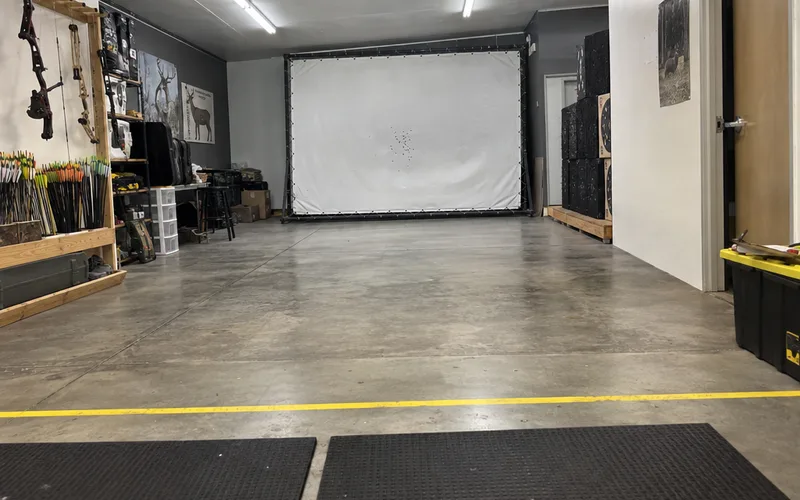
- Projected simulators play a target scene on an impact screen, then sensors or cameras find where your arrow struck.
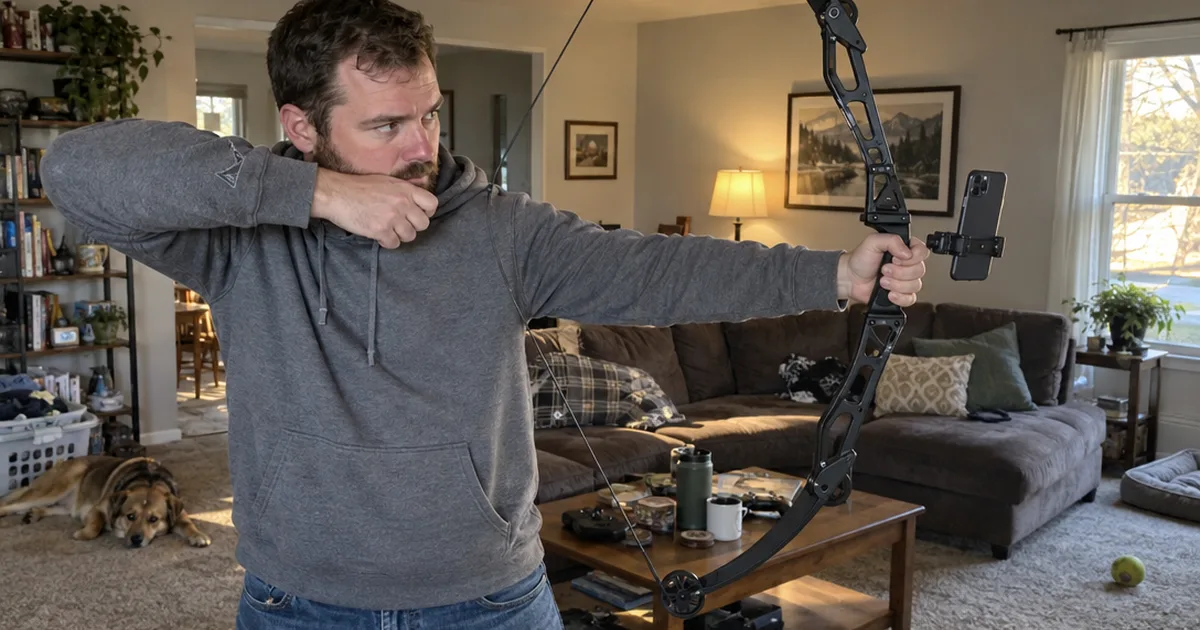
- Arrowless trainers put resistance in the limbs to mimic draw weight, and a phone mounted on the bow reads your aim when you release.
- VR archery games track your hands through a headset and controllers, so the whole shot happens in software.
That detail matters more than any feature list.
Only a projected system tells you where a real arrow from your own bow would have gone. The other two tell you how well you aimed a device that behaves like a bow.
The 3 Types of Archery Simulators Compared
Here’s how the three types stack up on what you’ll actually shoot, what it costs to start and who each one suits:
| Type | What you shoot | Starting cost | Best for |
|---|---|---|---|
| Projected simulator | Your bow, real arrows | Quoted package | Bowhunters, clubs |
| Arrowless trainer | Trainer bow, no arrow | $44.99 to $139.99 on sale | Draw strength at home |
| VR archery game | Headset controllers | Headset plus game | Aiming practice, fun |
Those arrowless prices are from November 2026, during a 50% off Black Friday sale.
Regular prices run double, so check the date on any price you see before you buy.
Projected Simulators (Real Bow, Real Arrows)
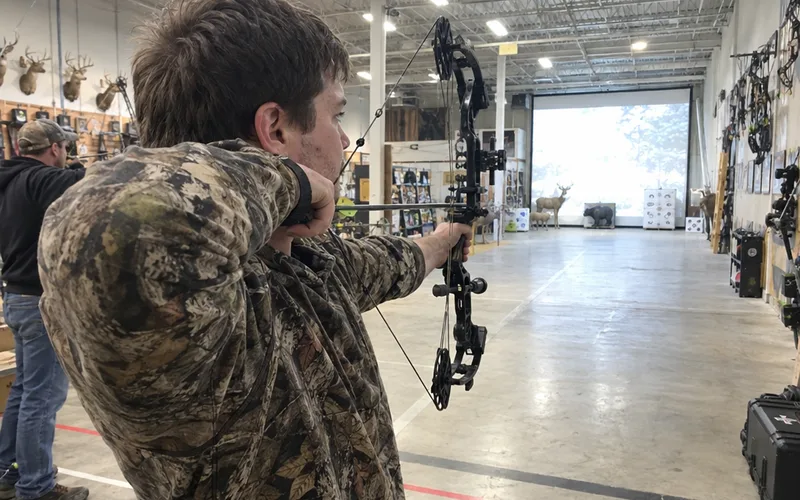
Makers such as Minum, BIGshot and BowSim4D build these systems for homes, clubs and shops.
- Best for: Bowhunters and target archers who want feedback on real arrows. Skip it if you don’t have a room you can give up to archery.
- Cost: The biggest purchase in this guide, sold as a package of screen, projector, tracking hardware and software.
- First step: Shoot one paid session on a simulator lane at a pro shop before you price a system.
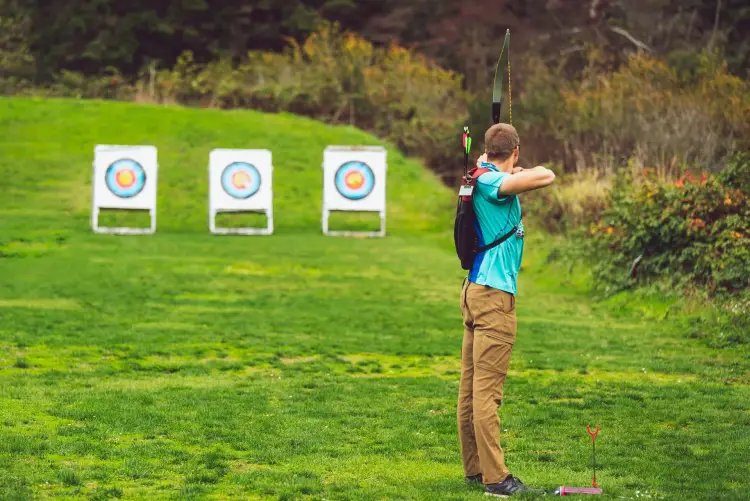
You stand at the shooting line, draw your own bow and shoot field points into a screen that shows a target face or a hunting scene.
The big win is honesty. Your real anchor, your real release and your real arrow all show up in the result.
Arrowless Trainers (Like AccuBow)
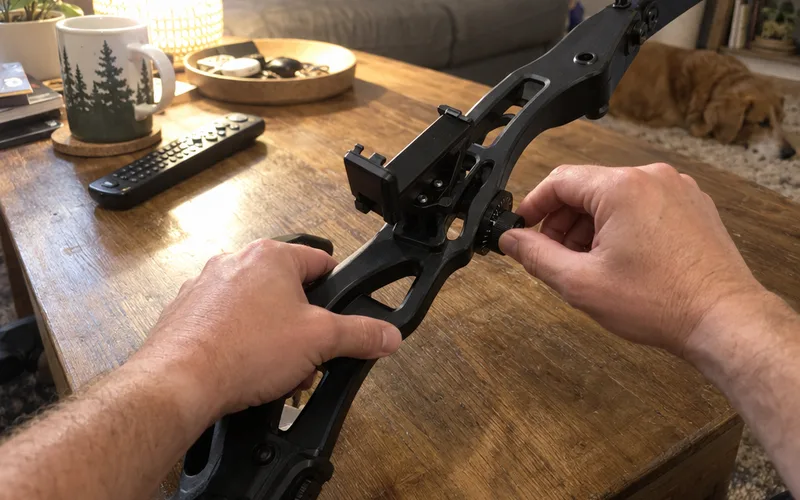
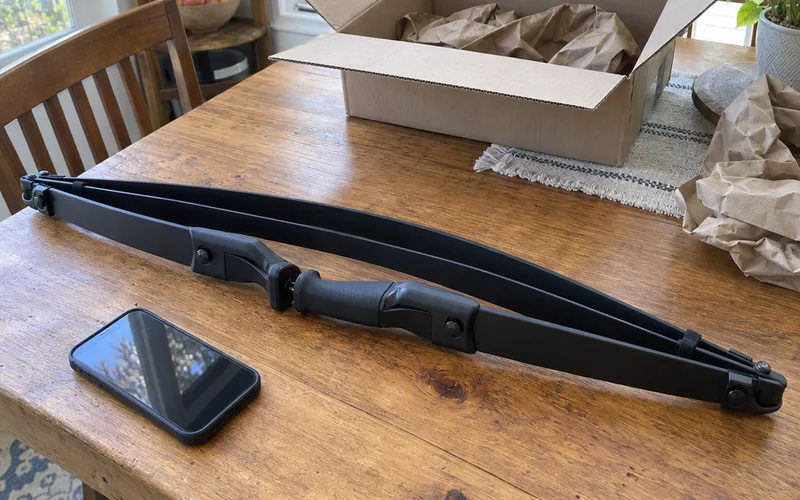
The AccuBow 2.0 adjusts its resistance from 10 to 70 lb and folds down to about 14 x 14 x 6 inches.
- Best for: Archers who want draw-strength and holding practice indoors. Skip it if you want to see your real arrow groups.
- Cost: $44.99 (AccuBow Nano) to $139.99 (AccuBow 2.0) on sale, as of November 2026.
- First step: Check your phone’s free storage, since the app is a big download.
The 10 to 70 lb range covers a light youth bow up to a heavy hunting setup. And because nothing leaves the bow, you can practice in a spare bedroom.
VR Archery Games
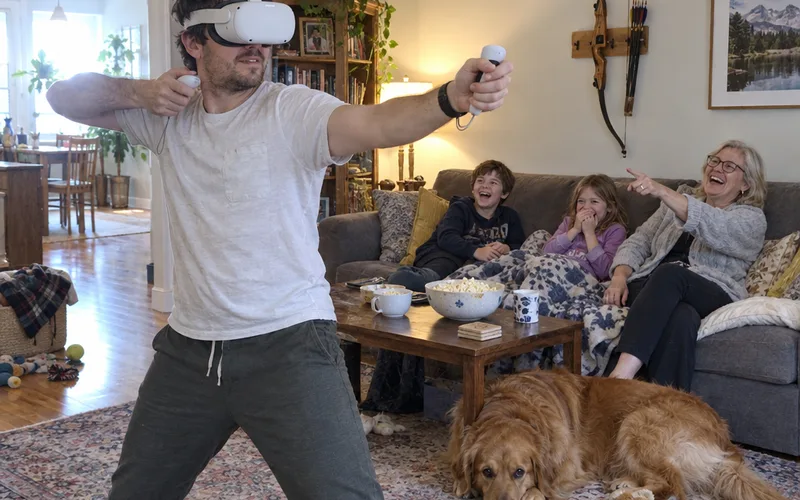
- Best for: Casual aiming practice and family game nights. Skip it if you want to build draw strength.
- Cost: A headset such as Meta Quest, plus a game.
- First step: Try a low-cost archery title in your headset store before you buy any bow-shaped accessory.
VR controllers weigh almost nothing, so you never feel draw weight. A VR game can sharpen your aiming habits, but it can’t make you stronger at full draw.
How Much Does an Archery Simulator Cost?
An archery simulator costs as little as $44.99 for an arrowless trainer, the AccuBow Nano sale price in November 2026.
A projected real-arrow system is sold as a quoted package of screen, projector and software.
Here’s how the arrowless prices looked on that date:
- AccuBow Nano: $44.99 on sale, $89.99 regular.
- AccuBow X.0: $89.99 on sale, $179.99 regular, marked sold out.
- AccuBow 2.0: $139.99 on sale, $279.99 regular.
In other words, the sale cut every price in half. If you’re not buying during a sale, budget for the regular price.
Projected systems work differently. You’re buying several pieces of hardware plus software, so the price depends on screen size, projector, scenes and support.
Never compare projected simulator prices until every quote lists the same parts.
Here’s what to send a maker before you compare:
“Hi, I’m pricing a home archery simulator. Can you send a quote that lists the screen size, projector, tracking hardware, software or subscription fees, shipping and the minimum shooting distance?”
That last item matters as much as the price, as the space section below shows.
Can You Use Your Own Bow With an Archery Simulator?
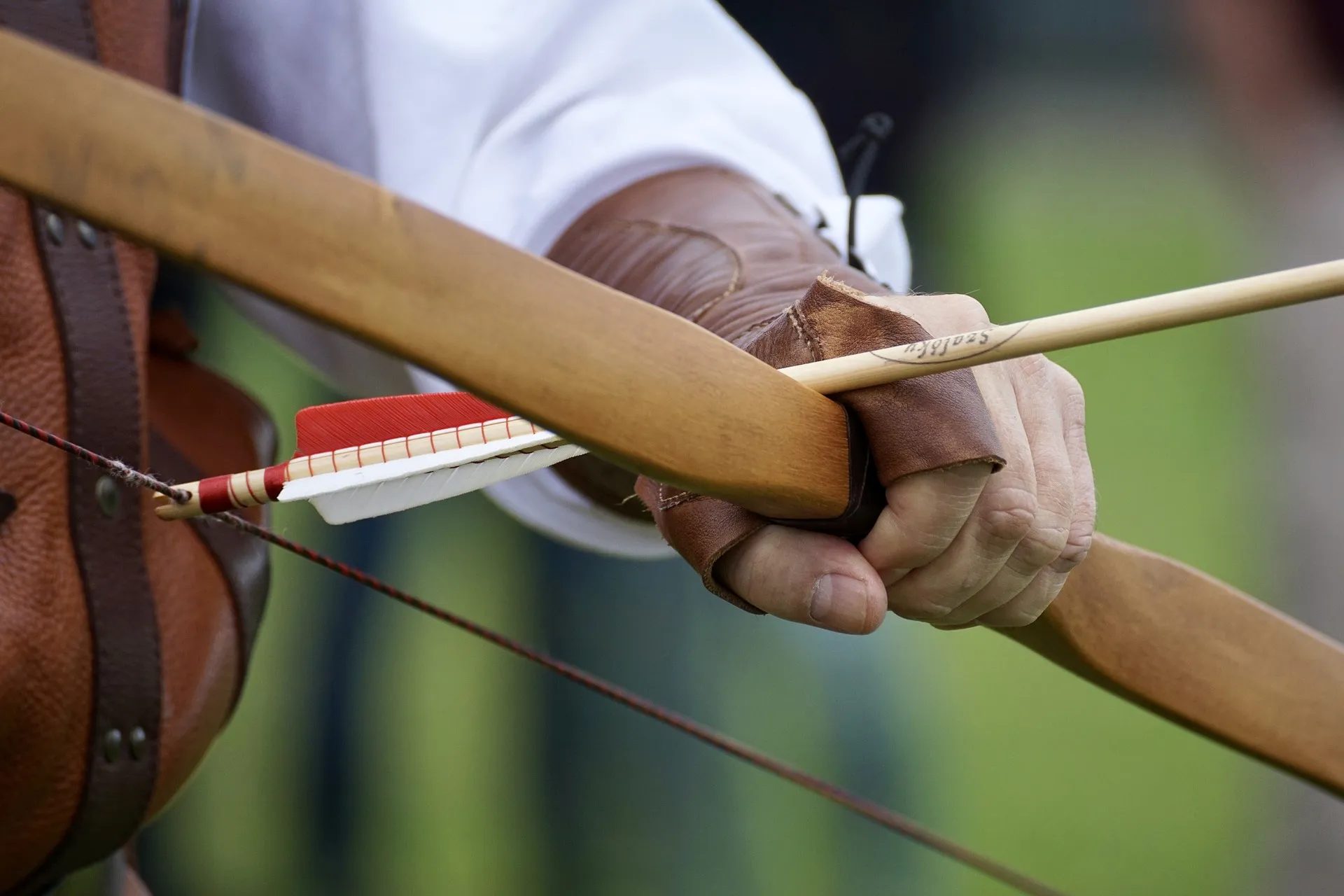
Yes, you can use your own bow with a projected archery simulator: you shoot your compound or recurve bow at the screen, usually with field points rather than broadheads.
Arrowless trainers and VR games don’t take your bow at all.
That’s what you’re really paying for with a projected system.
Your sight, your release aid and your draw length all stay the same. So a bad habit shows up on the screen the same way it would on a target.
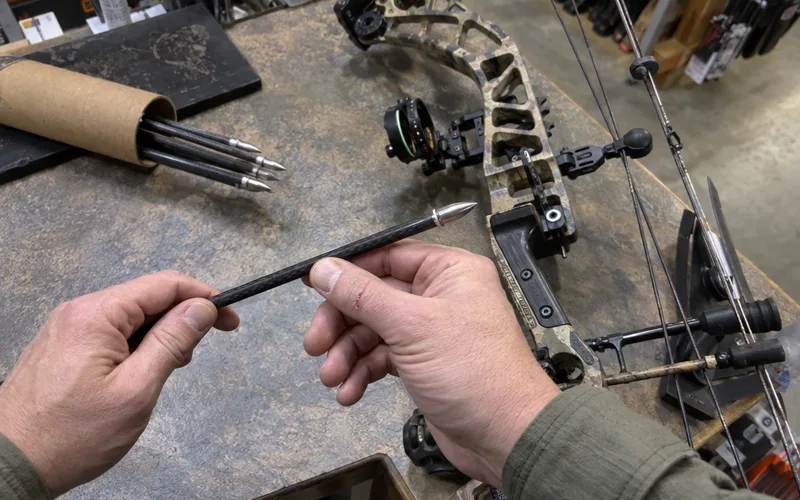
Before you book a session or buy a system, ask about 3 limits:
- Draw weight: whether your bow’s peak weight is allowed at that screen.
- Arrows and points: which points the screen accepts, since a wrong point can damage it.
- Bow type: whether recurves, compounds and crossbows are all supported.
Now a safety point that catches people at home.
If you want draw practice on your own bow without a simulator, never release the string without an arrow.
That’s a dry fire, and the basic archery safety rules explain why it can wreck a bow and hurt you.
An arrowless trainer exists for exactly that job, since it’s built to be released empty.
How Much Space Does a Home Archery Simulator Need?
The space a home archery simulator needs depends on its type: an arrowless trainer or VR game needs only room to draw and turn safely.
A projected simulator needs the full shooting distance its maker lists, plus room behind and beside the screen.
No single number fits every system, so measure before you shop.
Here’s what to check in the room you have in mind:
- Length: from where you’d stand to the wall that would hold the screen.
- Ceiling height: with your bow raised and at full draw, top limb included.
- Side clearance: room on both sides for a stray arrow and for spectators.
- Behind the screen: space the maker says the backstop needs.
Then compare those numbers with the minimum shooting distance in the quote you requested.
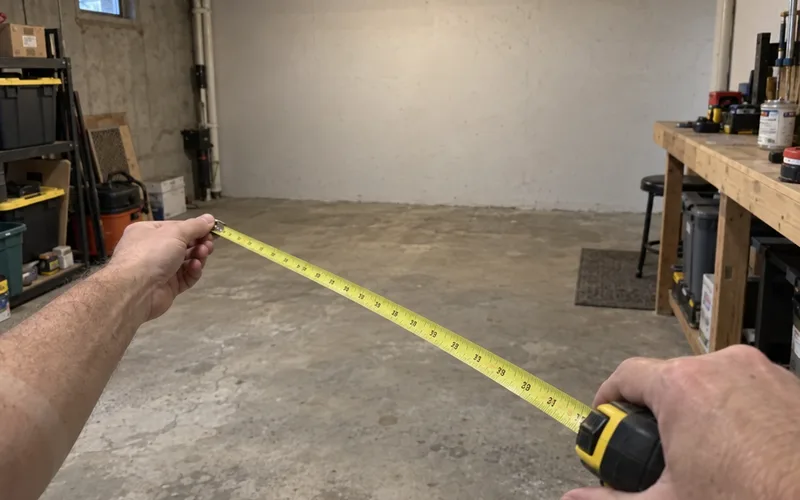
If the room comes up short, skip the projected system. You still have two good options.
You can set up a real target in a garage or yard instead, and a home archery range lets you shoot real arrows with backstop and safety rules in place.
Or you can go arrowless, which needs about the space of a person with arms spread wide.
VR needs that kind of space too. Clear the floor of furniture, because you’ll turn while you aim.
What to Check Before You Buy a Projected Simulator
Before you buy a projected archery simulator, confirm 5 things in writing, starting with whether the shooting distance fits your room.
Then check that the screen accepts your draw weight and points, the scenes you want are included, someone will install it and you’ve shot one in person.
Each of those can turn a good system into a bad fit.
Here’s the checklist to run through with the maker:
- Room fit: the minimum distance from the quote is shorter than your measured room.
- Your gear: your peak draw weight and arrow points are approved for the screen.
- Content: the hunting or target scenes you’d use come in the package, with any extra fees named.
- Setup: who installs and calibrates the system, and who fixes it if tracking drifts.
- Test shoot: a session on the same model at a shop or range near you.
That last point is the cheapest insurance you can buy.

A one-hour session tells you whether the tracking feels right before you commit to a room full of hardware.
If no shop near you runs the model you’re considering, ask the maker for a video of a full scoring session, not a highlight reel.
Then put the answers side by side and pick the system that passes all 5, even if another one has a flashier scene library.
Do Archery Simulators Actually Improve Your Shooting?
Archery simulators improve the parts of the shot they actually load.
An arrowless trainer builds draw strength and holding steadiness, a projected system gives real-arrow feedback on aim and timing, and a VR game mostly trains aiming habits.
Buyers back up the strength side.
One verified buyer on the AccuBow store page says it helps build muscle memory you can feel in your arms.
Another says the app trains you to hold the bow level and still for the next time you pick up a real one.
That’s where a trainer earns its place.
A steady hold at full draw is hard to train without shooting, and a trainer lets you repeat it every night.
The same idea runs through any good set of strength exercises for archery.
But there’s a limit.
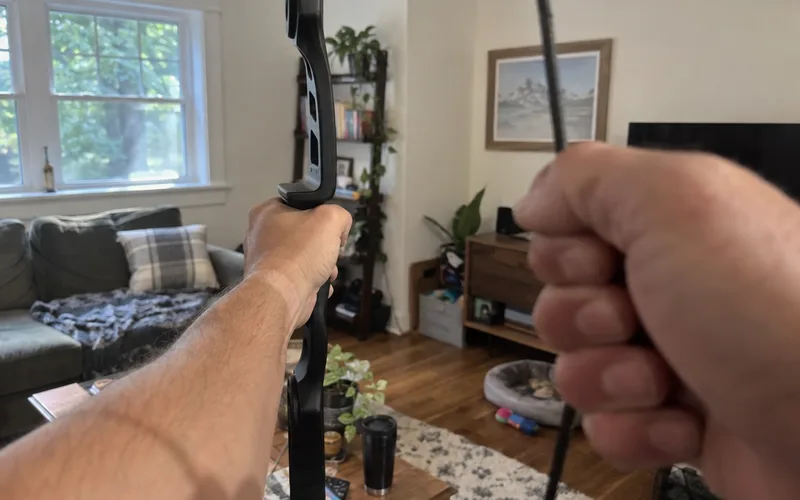
A third buyer wished the app had an interactive tutorial focused on improving shooting skills. The games keep score, but they don’t coach your stance, anchor or release.
So pair the device with sound archery form work. Otherwise, you can rehearse a flaw hundreds of times.
What no simulator replaces is real arrow flight. Wind, bow tuning and long-distance shots still need time on an outdoor range or a backyard target.
Key Takeaway: Use a simulator for the parts of the shot it loads, then confirm on real targets.
Which Archery Simulator Is Best for Home Use?
For most people practicing at home, an arrowless trainer such as the AccuBow 2.0 is the best starting point.
It fits any room, adjusts from 10 to 70 lb and sold for $139.99 on the AccuBow store in November 2026.
Choose a projected system only if you have a dedicated room and want real arrows.
Here’s how to match your situation to a type:
- Building draw strength over the winter? The AccuBow 2.0 covers adult draw weights.
- Shopping for a kid or teen, the AccuBow Nano is the lighter pick from the same maker.
- Bowhunters with a spare garage bay get the most from a projected system with hunting scenes.
- If the goal is family fun and you already own a headset, a VR archery game is the easy pick.
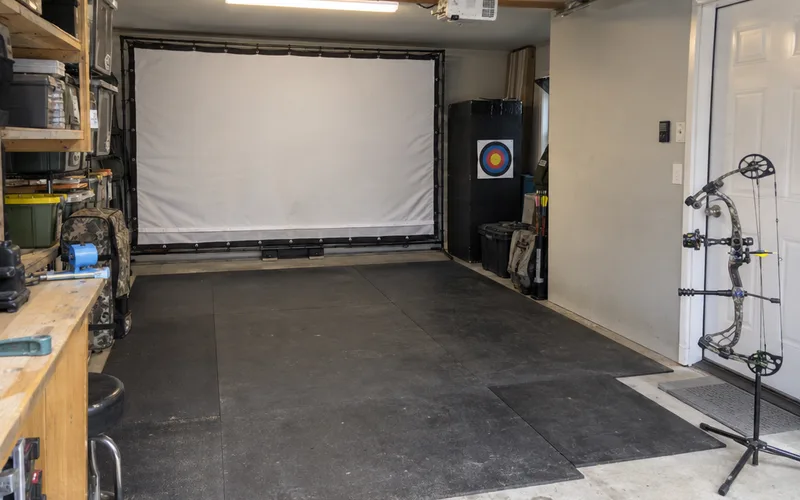
Notice what drives each pick: the room you have and the skill you want to build.
That’s also why the most expensive system isn’t automatically the best one for your home. A projected wall in a room too short for it is money you can’t use.
Are Arrowless Trainers Like AccuBow Worth It?
An arrowless trainer like the AccuBow is worth it if you want indoor draw-strength and holding practice for $44.99 to $139.99 on sale, as of November 2026.
It’s not worth it if you expect real arrow groups or a coaching app.
The upside is clear from the buyer reviews above. You get adjustable resistance, a travel-size fold and a reason to pick up a bow every day.
The catch?
Verified buyers report a few real problems:
- Noise: one buyer says shots may not register unless the room is quiet.
- Misfires: another buyer says noise misfires from the first version seemed fixed in the 2.0.
- Wear: a third reports a cord on the main shooting elastic began unraveling after a couple of hours.
- Storage: the free app takes close to 1 GB of phone space, per one buyer.
None of those are deal-breakers. But they tell you how to use it.
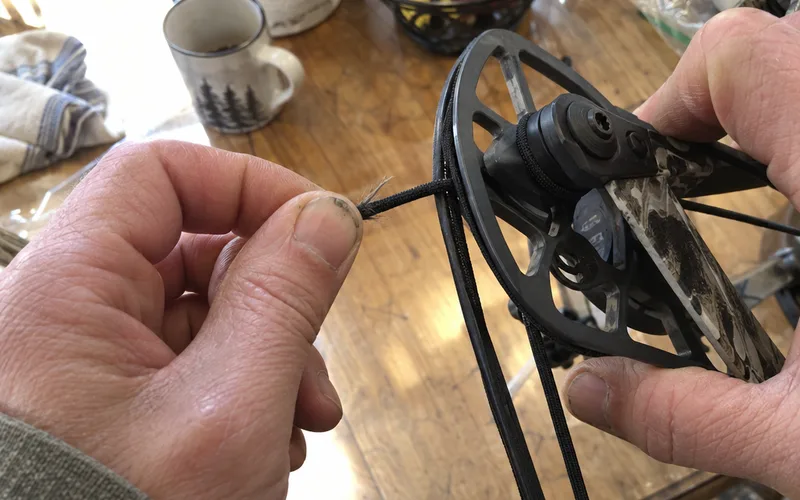
Practice in a quiet room, check the elastic before each session and buy on sale, since the 2.0 lists at $279.99 regular on the AccuBow store.
In other words, an arrowless trainer is a strength and routine tool, not a substitute for arrows.
Is There a Good Archery Simulator App or VR Game?
The free AccuBow app, which one buyer says runs on Android and iOS, is the most useful archery simulator app if you own the trainer, because it pairs with real draw weight.
Standalone VR archery games on headsets such as Meta Quest are fun aiming practice but load no draw weight.
That’s the trade-off with every app.
A phone or headset game can’t make your back muscles work, so it trains your eyes and timing more than your shot. That still has value on a cold night.
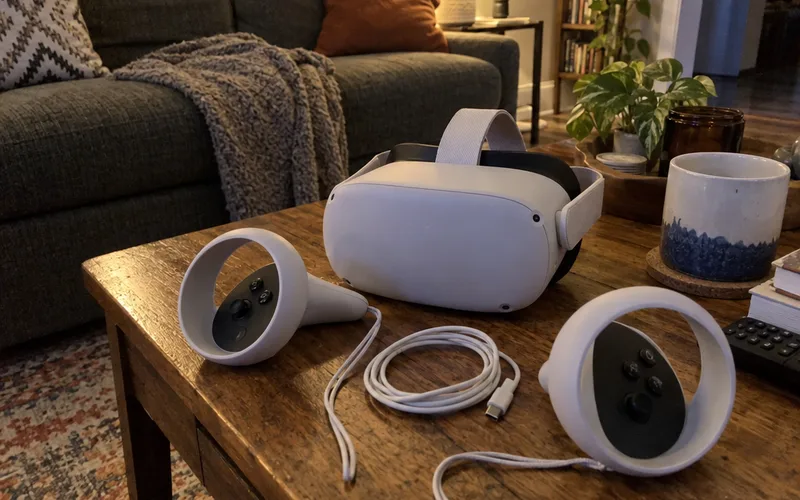
When you browse VR archery games, look for these settings:
- A choice of bow types, such as recurve and compound.
- Adjustable target distances.
- Wind or moving targets.
- Scoring you can track over time.
Those settings push you to aim like you would on a real range.
Pick one with a free trial or a low price, play a week and keep it only if you’re still using it. Archery-style target games on a real bale do the same job with real arrows.
Projected Simulator vs VR Archery Game
A projected archery simulator has you shoot a real arrow from your own bow at a screen and scores where it lands.
A VR archery game puts the target inside a headset and simulates the whole shot with controllers.
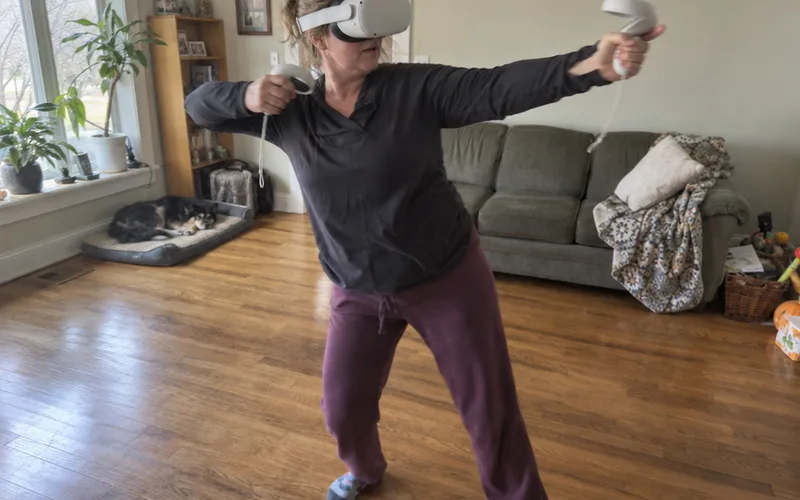
So the projected system tests your real shot. The VR game tests your aim with a device that has no weight.
That’s why bowhunters and target archers lean projected, and casual players lean VR.
Are Archery Simulators Good for Bowhunting Practice?
Yes, projected hunting simulators are good bowhunting practice: they make you judge a moving animal, its angle and when to shoot with your own bow, which a foam block can’t.
On a static target, you always know where to aim. A hunting scene makes you decide whether to shoot at all.
Here’s how to make each session count:
- Shoot only when the animal stands at a shot angle you’d take in the woods.
- Say “no shot” out loud for every bad angle, and count those as wins.
- Draw early and hold while the animal moves, then release only when it stops.
- Log your hits by vital zone, not just by score.
That routine builds shot discipline, which a static target never tests.
An arrowless trainer helps here too. Holding at full draw while an animal walks into the open takes the steady hold buyers say the trainer builds.
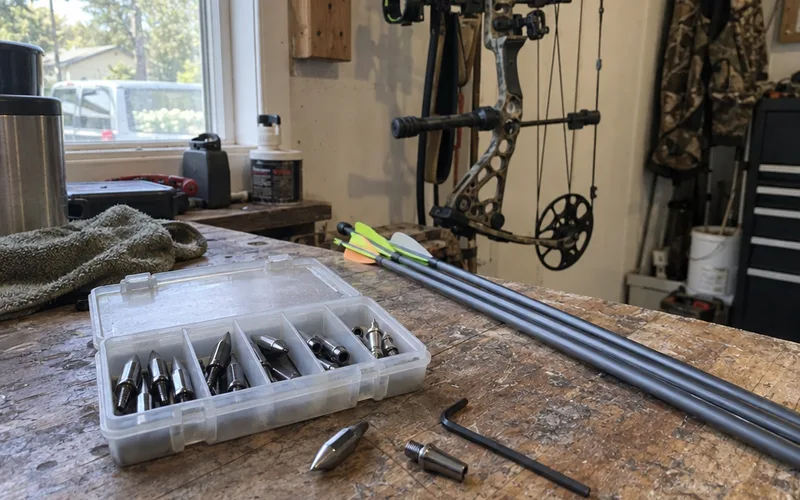
But tune your broadheads on a real target before the season.
Simulators use field points, so they can’t show you how your broadheads fly. Shoot them into 3D animal targets to confirm what the screen taught you.
Where Can You Try an Archery Simulator?
The easiest place to try an archery simulator is a pro shop or indoor range with a simulator lane, and the USA Archery club finder lists ranges near you to call.
USA Archery, the national governing body, also lists Virtual Tournaments on that site, next to its club finder.

Not every range has a simulator, though. So call before you drive.
Here’s what to ask:
“Hi, do you have an archery simulator lane? Can I bring my own bow, and what draw weights and arrow points do you allow? If I don’t have a bow, can I rent one for a session?”
If you don’t own a bow yet, renting is the cheapest way to see whether you like it. Look at the options for renting archery gear before your first session.
That one session will tell you more than any spec sheet. You’ll feel the difference between a screen and a target in minutes.
How to Get Real Practice Out of a Simulator
The best simulator session looks like a real practice session, with a warm-up, a plan and a check on real arrows afterward.
Here’s a simple routine:
- Warm up. Do a few minutes of light draws at low resistance.
- Match your bow. Set the trainer close to your real draw weight once you’re warm.
- Hold, then release. Count to 3 at anchor before each shot, so you train steadiness.
- Keep score. Note your best and worst ends so you can see a trend.
- Confirm weekly. Shoot real arrows at least once a week to check that the habit carries over.
That last step keeps the simulator honest.
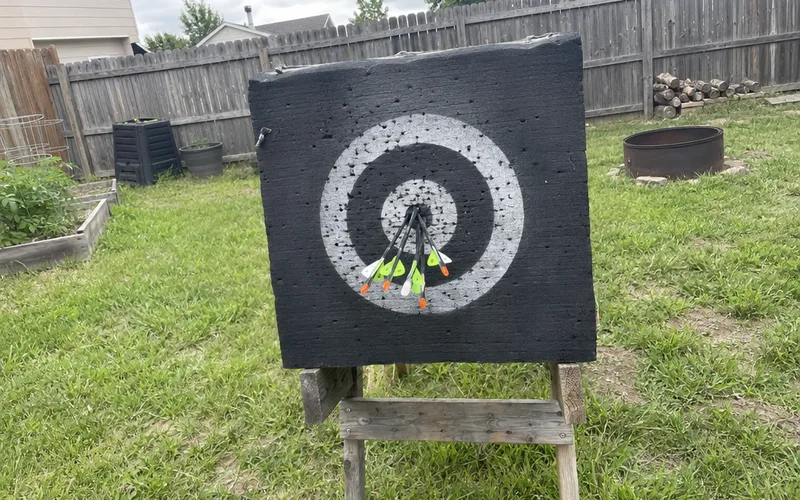
If your real groups don’t improve, change what you practice, not how often. These archery accuracy tips help you find the flaw.
And if you want the bigger picture, build your simulator time into a full archery training plan. It also fits inside a wider practice and training routine for the off-season.
Common Archery Simulator Mistakes
The 4 most common archery simulator mistakes are too much trainer resistance, playing only the games, skipping real-arrow checks and buying hardware before measuring the room.
Each one is easy to fix once you spot it.
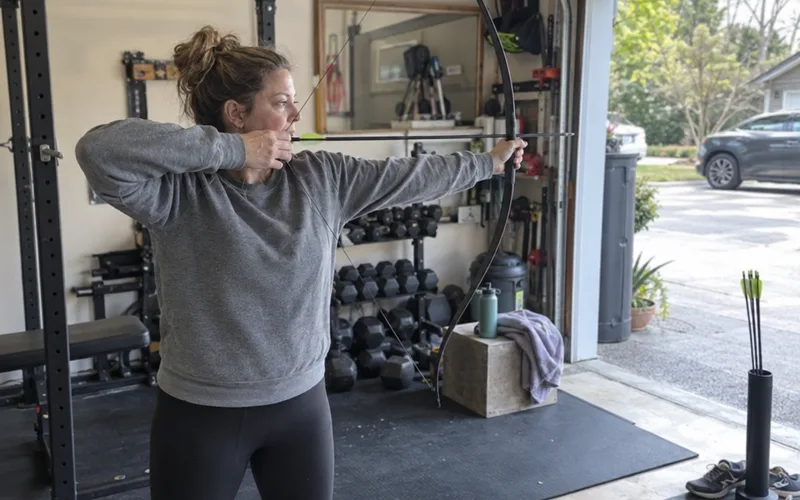
The first is cranking the resistance too high.
If you set a trainer heavier than you can hold steady, your form breaks down and you practice shaking.
Start lighter than your real bow, then work up only when your hold stays still.
The second is playing only the games.
Games are fun, and that’s fine for motivation. But give part of every session to plain target shooting at a fixed distance, so you have a score you can compare week to week.
The third is skipping the real-target check from the routine above.
A simulator rewards whatever it measures. Without real arrows, you can get great at the device and stay the same on the range.
The fourth is buying before testing the room.
That one costs the most money, and it’s the easiest to avoid. Measure the space, get the quote and shoot one session before any hardware arrives.
The Bottom Line
The best archery simulator is the one that loads the skill you’re missing.
For most archers at home, start with an arrowless trainer bought on sale, then book one session on a projected lane this month to see real arrows on a screen.
Frequently Asked Questions
What is the best VR archery game?
The best VR archery game for practice is one that lets you pick the bow type, change the target distance and add wind, because those settings make you aim the way you would on a range.
Even the best one loads no draw weight, so pair it with an arrowless trainer or real bow time if you want strength and holding practice.
How difficult is archery to learn on a simulator?
Archery is easier to start on an arrowless trainer than on a real bow, because you can set the draw weight low and there’s no arrow to miss or lose.
Moving to a real bow still takes coached form work, so treat the simulator as a warm-up, not your teacher.
Can kids use an archery simulator?
Yes, kids can use an arrowless archery simulator, and AccuBow sells the Nano in a kids-and-teens line that listed at $44.99 on sale in November 2026.
Projected real-arrow simulators are better left to supervised sessions at a range or pro shop.
Do you need a phone for an arrowless archery trainer?
Yes, an app-based trainer such as the AccuBow uses a phone mounted on the bow to show targets and score shots.
One verified buyer says the free app runs on Android and iOS and takes close to 1 GB, so clear space before you set it up.